
Kernaro AI Hub
A web application from Sparx Systems that answers questions about the repository in plain language, for architects, analysts and stakeholders who work in a browser and never open EA.
What it is
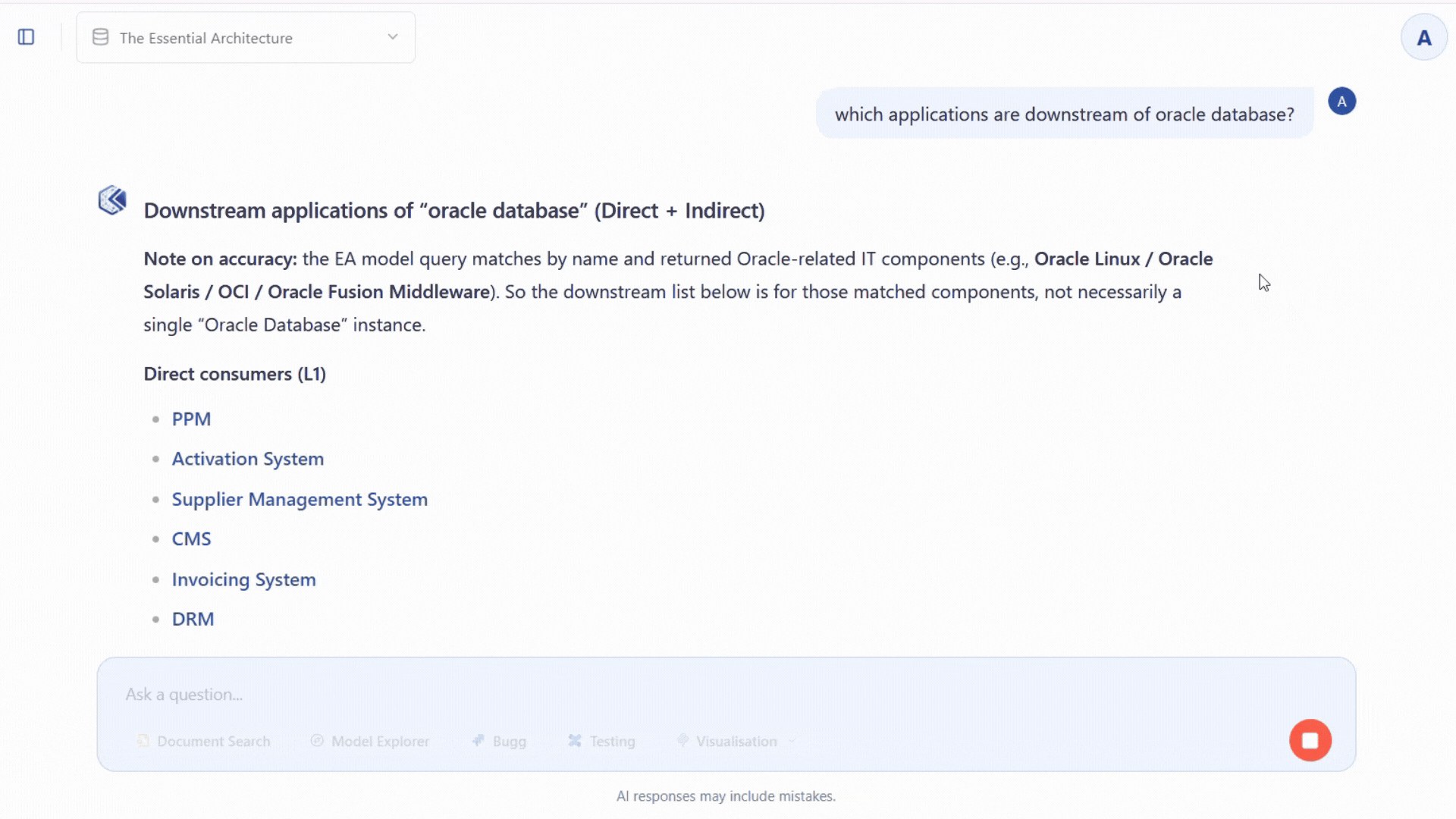
Kernaro AI Hub sits over a Sparx EA repository and puts it behind a chat page. Sparx names six capabilities: Model Chat, Impact Analysis, Integration Intelligence, Report Builder, Diagram Builder and Intelligent Flow. Integration Intelligence brings Jira, Confluence, Azure DevOps and SharePoint into the answers.
It is the shared, governed option in the Kernaro family, with single sign-on, roles and guardrails that redact sensitive data before it reaches your AI provider. It also feeds Power BI and Microsoft 365 Copilot straight from the repository, which is why we recommend it as the route to both for anyone who can afford it.
Who it is for
Architecture teams whose questions come from people who never open EA: analysts, portfolio managers, BI teams and decision-makers. Choose it when you want an architecture-specific AI capability, rather than combining architecture data with other data sets.
What it helps you do
- Analysis
Ask what a change would touch and see the effects across systems, applications, data and capabilities, with context from Jira, Confluence, Azure DevOps and SharePoint where you connect them.
- Stakeholder Engagement
Open Model Chat to the people who ask you questions, and export summaries, diagrams and insights to Word and Excel with Report Builder. Feed Power BI through the Kernaro Connector for Power BI and Microsoft 365 Copilot through Copilot Studio or a Microsoft 365 connector.
- Modeling
Automate repeatable loads and updates with Intelligent Flow, such as reading a spreadsheet and creating or updating the matching elements. Day-to-day modeling still happens in Enterprise Architect.
When Kernaro AI Hub is the right choice
Choose it when the people with questions work in a browser and never open EA, when answers need Jira, Confluence, Azure DevOps or SharePoint alongside the model, or when IT wants single sign-on, roles and guardrails around AI use. Choose it as the route to Power BI and Microsoft 365 Copilot if you can fund it.
It answers and reports rather than builds. Architects who want AI to build and check the model work inside Enterprise Architect with Kernaro Assist, or on the live repository with Claude + AI Power Tools. Standing Hub up is a server project for your IT team, and the repository has to be on a database server rather than in a local file.
You license it from Sparx Systems and bring your own LLM. The connection it gives Power BI and Microsoft 365 Copilot is read-only as we understand it, which is why they can read from Hub safely. This may have changed since we checked, so confirm it with Sparx Systems.
How we help
Set it up on your repository
We configure Kernaro AI Hub for your repository, your MDG Technology and your IT constraints, connect Power BI or Microsoft 365 Copilot where you want them, and prove the first questions on your own model.
Configure the solutionTrain and mentor your architects
The Foundations course with Kernaro AI Hub teaches your architects to frame the questions that matter, judge the answers and put them in front of the people who need them, on your own repository.
The courseSparx Office Hours
A standing session where your team brings what they are stuck on and sees how others solved it.
Ask about Office Hours