
Microsoft 365 Copilot
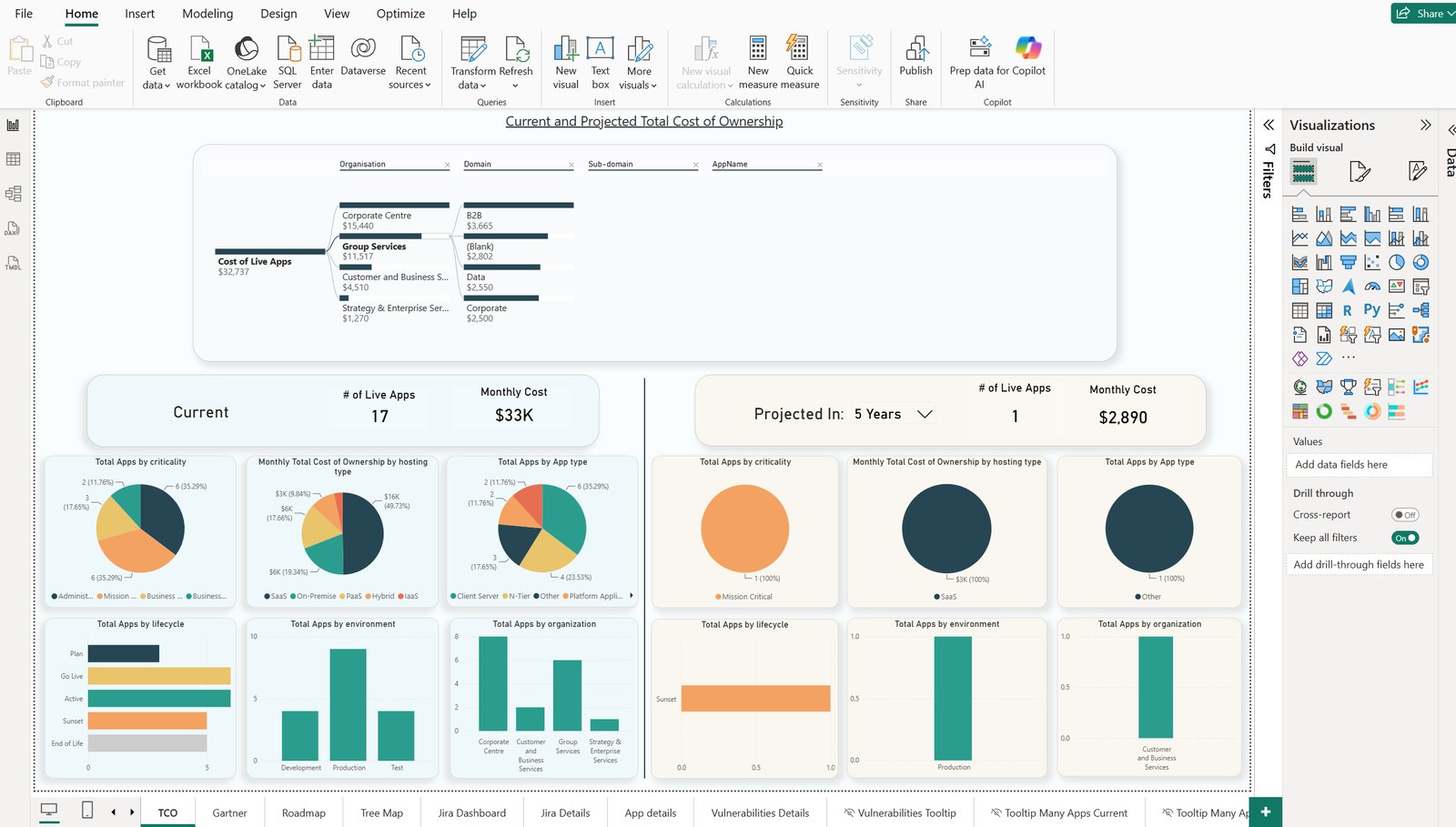
Read-only access to the repository for stakeholders in Microsoft 365 Copilot, either through Kernaro AI Hub or through a reporting database published as a Power BI model. The way to put architecture content in front of a broad stakeholder audience.

Hybrid Intelligence is coming to Microsoft 365 Copilot
In October 2026, Microsoft announced that it will soon roll out new capabilities in Microsoft 365 Copilot, including support for local MCP servers, routing tasks to language models running locally on your device, and deeper integration with Windows. Microsoft calls this “Hybrid Intelligence”.
These changes will significantly change how Sparx EA data can be surfaced in Microsoft 365 Copilot and who can use it. Because the impact is so big, we recommend re-evaluating this option in early 2027. You can also schedule a call with one of our experts to talk about how it might affect your EA practice.
What it is today
Microsoft 365 Copilot is the AI assistant inside Microsoft 365. It is not an EA add-in and has no connection to the repository of its own. Once your EA data is published, stakeholders ask questions about it in Copilot Chat and get read-only answers without a request to the architecture team.
Two routes get the data in front of it. Kernaro AI Hub, through Copilot Studio or a Microsoft 365 connector, is the one we recommend for anyone who can afford Hub. The alternative is a Power BI semantic model built from the AI Power Tools reporting database, which Copilot answers from as of its last refresh.
Who it is for
A broad stakeholder audience that already works in Microsoft 365: risk, finance, portfolio and project people who need architecture answers and will never open EA. It is also the option for architects whose only permitted AI is Microsoft 365 Copilot.
What it helps you do
- Analysis
Stakeholders ask data questions of the published model, such as which applications a team owns and what they cost. Microsoft says “Answers only reflect the data the user has permission to see.”
- Stakeholder Engagement
Publish the model once so that stakeholders ask their own questions in the Microsoft 365 tools they already open, in their own vocabulary. Your time goes to the conversation about what to do rather than to pulling the numbers.
When Microsoft 365 Copilot is the right choice
Choose it when Microsoft 365 Copilot is the AI your organization already licenses and permits, read-only answers are enough for your stakeholders, and you want the widest reach into the business with nothing new to install.
It is read-only. It cannot change the model or check it against a standard, so the architects who build and govern the model need one of the other options, such as Kernaro Assist inside EA or Claude + AI Power Tools on the live repository. From a Power BI model, answers reflect the last refresh rather than the live repository.
You need Microsoft 365 Copilot licenses from Microsoft for the people asking, and your EA data published through Kernaro AI Hub or as a Power BI model they can access.
How we help
Train and mentor your architects
The Foundations course with Microsoft 365 Copilot teaches your architects to do analysis and stakeholder work with the Copilot they already have, and shows them how to get read-only answers from your EA data in front of stakeholders.
The courseGet your EA data in front of Copilot
We set up the route that fits, Kernaro AI Hub or a Power BI model built on the AI Power Tools reporting database, and prove the first questions on your own model.
Reporting and Power BISparx Office Hours
A standing session where your team brings what they are stuck on and sees how others solved it.
Ask about Office Hours