
AI-Augmented Architecture with Microsoft 365 Copilot and Sparx EA
After this course your architects can use the Microsoft 365 Copilot they already have for architecture analysis, documents and stakeholder answers, and they know how to give Copilot read-only answers from your EA data. A private course, taught on your own standards and content.
What the course builds
Many architects don't get to pick their AI. They get Microsoft 365 Copilot because the organization already runs on Microsoft 365, and that is a fine place to start.
The tool is the same for every team. What changes the result is the person using it: stating the intent, setting the standard and judging what comes back, including where automation checks completeness but never correctness. That is a skill, and it is the one the course builds with the tool you already have.
Choose it if Microsoft 365 Copilot is the AI you have
Microsoft 365 Copilot is the AI your organization already licenses, and your architects and stakeholders work in Microsoft 365 all day. Read-only answers from your EA data are enough for the stakeholder side, and modeling, analysis and governance work runs on exported EA content and documents.
Module by module
State your intent, then judge the result
You learn to say what you want, what standard it must meet and what good looks like, and to read what comes back critically. Your first guided task runs end to end in Microsoft 365 Copilot.
Turn exported EA content and documents into architecture work
Today current-state descriptions and structured artifacts are written by hand. AI-augmented, you give Copilot exported EA content, spreadsheets and documents, state what you need and which standards apply, and judge the draft your team takes back into the repository.
Ask the right question about dependencies and standards
Today relationship and dependency review, and conformance checks against written standards, are slow, so they happen rarely. AI-augmented, you frame the question, AI does the reading, and you decide what the findings mean.
Decide what each audience needs, and get your EA data in front of Copilot
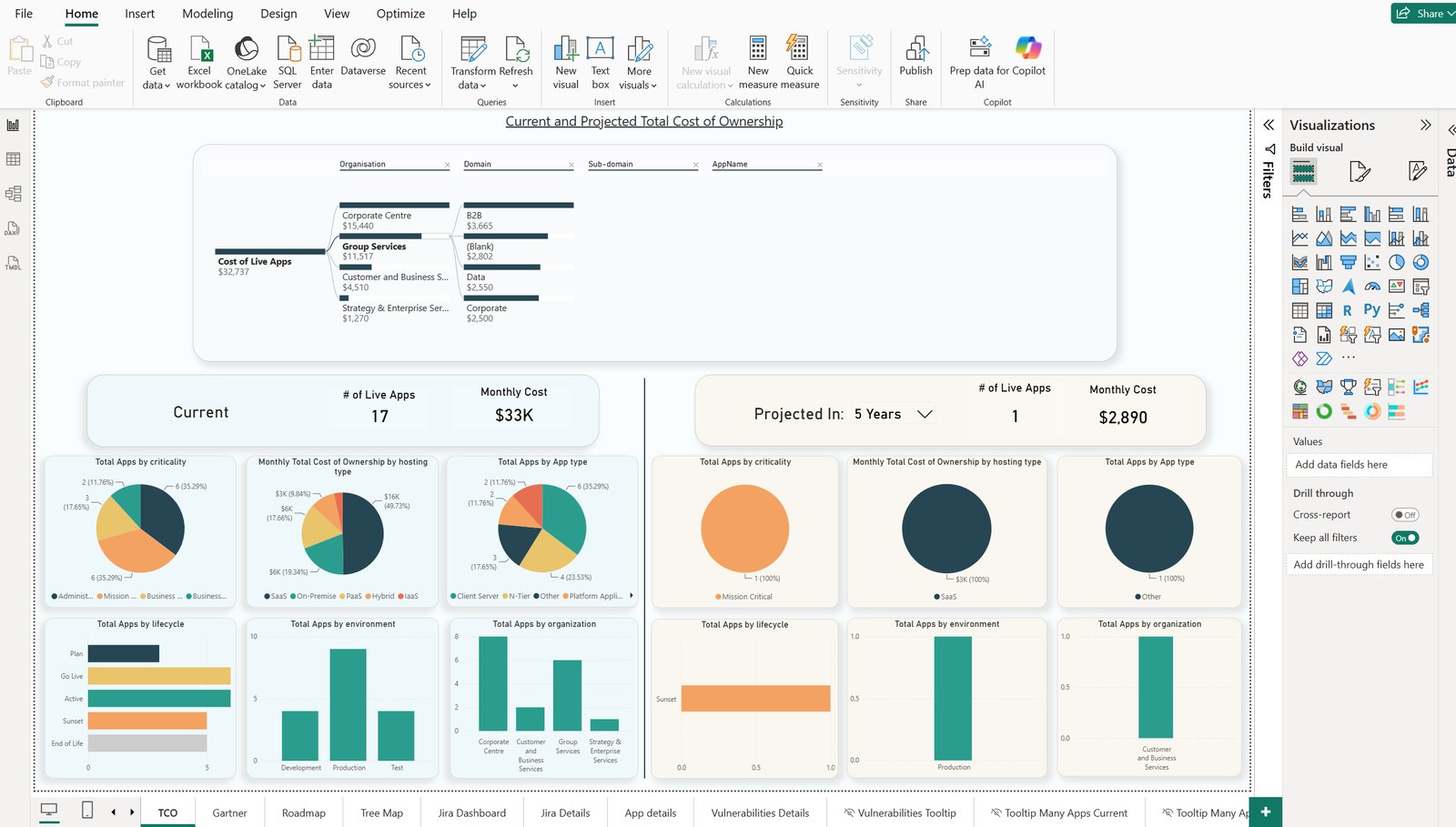
Decide what each audience needs to know and say so, and have AI produce it in the Microsoft 365 tools stakeholders already use. We also show the routes that give Copilot read-only answers from your EA data, and which one fits your organization.
How we help with reporting and Power BI
Built on your context, finished with real work
Before we begin, we meet with your architecture leader to learn your tools, processes, repository structure and prioritized use cases. We then tailor the course to fit, so your architects learn AI-Augmented Architecture the way your practice actually works.
You leave with a portfolio of real work produced during the course, and an honest picture of what Copilot can do with EA data today: read-only answers for stakeholders, and full working help on exported content.
Frequently asked questions
Does this connect Microsoft 365 Copilot live to my Sparx EA repository?
Not to the repository itself, and Microsoft 365 Copilot is read-only. For anyone who can afford it, Kernaro AI Hub is the recommended route: its read-only GraphQL endpoint is read live by Copilot, through Copilot Studio or a Microsoft 365 connector, and by Power BI, through the Kernaro Connector for Power BI, with no intermediate database and no batch refresh. Without Hub, Copilot answers from a published Power BI semantic model built from your EA data, refreshed on the schedule you define. We can help you set up either route.
What do I need before the course?
A working Sparx EA installation and Microsoft 365 Copilot, which is licensed by Microsoft. We confirm prerequisites during scoping and tailor the course to how your team already works.